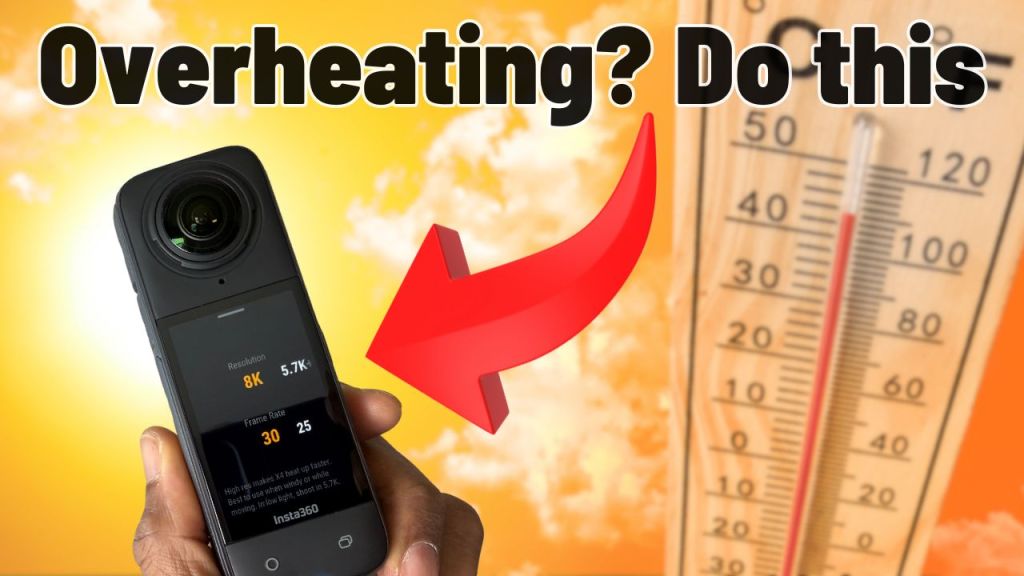
Are you enjoying your new Insta360 X4 but worried about it overheating? You’re not alone! Many users have experienced this issue while capturing stunning 360-degree footage. Don’t panic! Overheating is a common occurrence with action cameras, and understanding how to manage it can enhance your recording experience. Here are five easy tips to prevent your Insta360 X4 from overheating.
Table of Contents
- Understanding Overheating 📊
- Tip 1: Ensure Good Airflow 🌬️
- Tip 2: Avoid Direct Sunlight ☀️
- Tip 3: Record Short Clips ⏱️
- Tip 4: Remove the Battery for Extended Use 🔋
- Bonus Tip: Be Patient 🕰️
- Tip 5: Use Hands-Free Accessories 👐
- Conclusion: Enjoy Your Insta360 X4 Without Worry! 🎉
- Frequently Asked Questions ❓
Understanding Overheating 📊
Before diving into the solutions, let’s discuss why overheating happens. The Insta360 X4 is a compact powerhouse packed with two lenses, two half-inch sensors, a processor, and a large battery. This combination allows for high-resolution video recording at high frame rates, but it also generates heat. When the camera gets too hot, it shuts down as a safety feature to prevent damage. Here are some conditions that can lead to overheating:
- Recording in high resolution (like 8K).
- Using high frame rates (like 4K at 60 frames per second).
- Extended recording times, even at lower resolutions.
- High outside temperatures, especially in direct sunlight.
Tip 1: Ensure Good Airflow 🌬️
One of the best ways to combat overheating is to ensure your camera has good airflow. Flowing air is an extremely effective way to dissipate heat. Think about how a cars radiator works. The air is forced through the radiator from the movement of the car, lowering the temperature of the fluids keeping the car from overheating. When you’re recording, try to position the camera in a location with good circulation. If you’re using the camera in a car, turning on the interior fan towards the windshield can help disperse heat. This has worked wonders for me while recording dash cam footage!
Tip 2: Avoid Direct Sunlight ☀️
When recording outdoors, keeping your Insta360 X4 in the shade can significantly reduce the risk of overheating. If you’re not actively using the camera, store it in your bag or under a seat to shield it from direct sunlight. This is especially important during hot summer months or in sunny locations like theme parks.

Tip 3: Record Short Clips ⏱️
While the Insta360 X4’s 8K recording capabilities are impressive, you can manage heat by recording shorter clips. Use the Quick Capture feature, which turns the camera on and starts recording with a single press of the shutter button. This way, the camera is only active when you need it, reducing the time it generates heat.
Tip 4: Remove the Battery for Extended Use 🔋
If you plan to record for a long time, especially using a power bank, consider removing the battery. This can help prevent overheating. If you’re doing time-lapse recordings, for example, it’s better to rely solely on external power without the battery.
Bonus Tip: Be Patient 🕰️
If your camera does overheat, allow it to cool down completely before starting another recording session. This usually takes about 20 to 30 minutes. Interestingly, the ribbed design of the X4 is not just for aesthetics; it actually aids in heat dissipation!

Tip 5: Use Hands-Free Accessories 👐
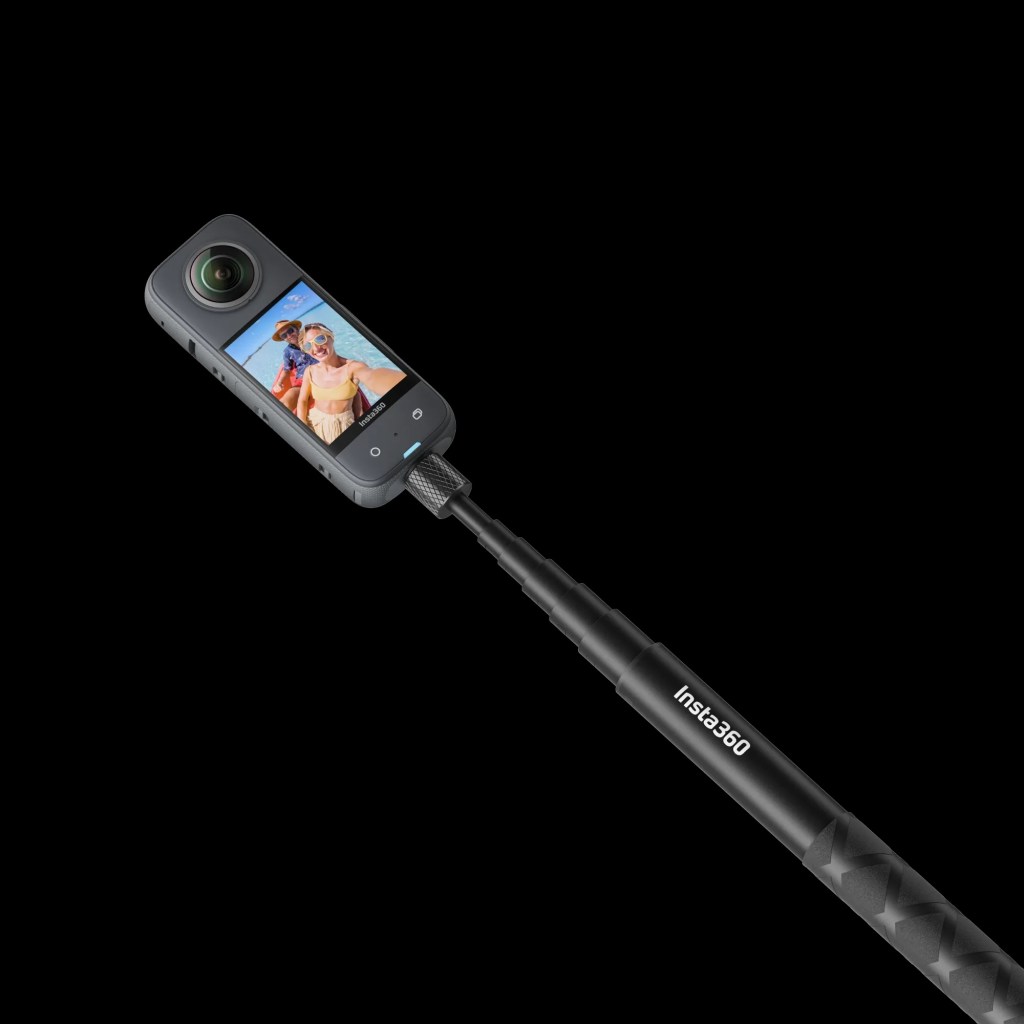
Using accessories like the Invisible Selfie Stick or the new 2-in-1 Foldable Selfie Stick can be a game changer. The less you handle the camera with your hands, the less heat it generates. Plus, these accessories allow you to capture footage without worrying about the camera getting too hot in your hands.
Conclusion: Enjoy Your Insta360 X4 Without Worry! 🎉
Overheating issues shouldn’t deter you from enjoying your Insta360 X4. By following these simple tips, you can minimize the chances of overheating and make the most out of your recording sessions. Remember, the X4 is designed to shut down as a safety feature, so it’s not a sign of a malfunction. Embrace the creativity and excitement of capturing stunning 360-degree footage without fear!
Frequently Asked Questions ❓
Can the Insta360 X4 overheat during normal use?
Yes, the Insta360 X4 can overheat, especially when recording in 8K for extended periods or in high temperatures. Following the tips above can help mitigate this issue.
What should I do if my camera overheats?
If your camera overheats, turn it off and let it cool down for about 20 to 30 minutes before using it again.
Does recording in lower resolutions help with overheating?
Yes! Recording in lower resolutions like 5.7K or 4K at lower frame rates can help reduce the heat generated by the camera.
How can I keep my camera cool while recording outdoors?
Try to find shaded areas to record, use hands-free accessories, and ensure there’s good airflow around the camera to help keep it cool.
Where can I find accessories for my Insta360 X4?
You can find a variety of accessories, including the Invisible Selfie Stick and more, at the Insta360 Store.
Can I buy gently used cameras and gear?
Yes! You can check out AV with Rodney on eBay for gently used cameras and gear after thorough reviews.
This site contains affiliate links to products. I may receive a commission for purchases made through these links.
 A.V. with Rodney
Leave a comment