Frequently Asked Questions About the Insta360 Flow 2 Pro
What is the Insta360 Flow 2 Pro?
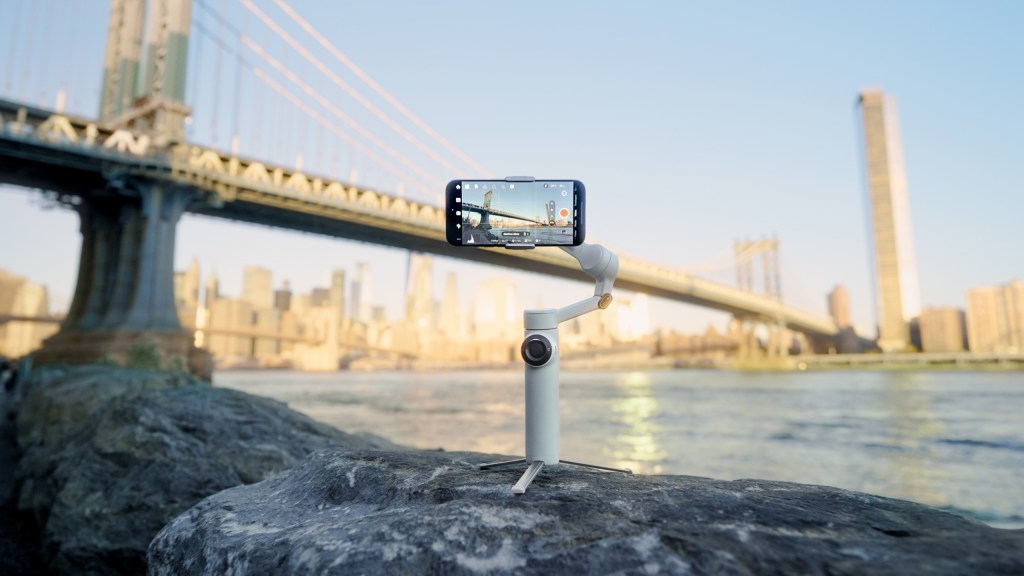
The Insta360 Flow 2 Pro is an advanced AI-powered smartphone stabilizer designed to turn your phone into a professional-grade content creation tool. It features 3-axis stabilization, Apple DockKit integration, Deep Track 4.0 AI tracking, and more.
What makes the Insta360 Flow 2 Pro special?
The Insta360 Flow 2 Pro offers several standout features:
- 3-Axis Stabilization: Ensures ultra-smooth footage by canceling out any shakes.
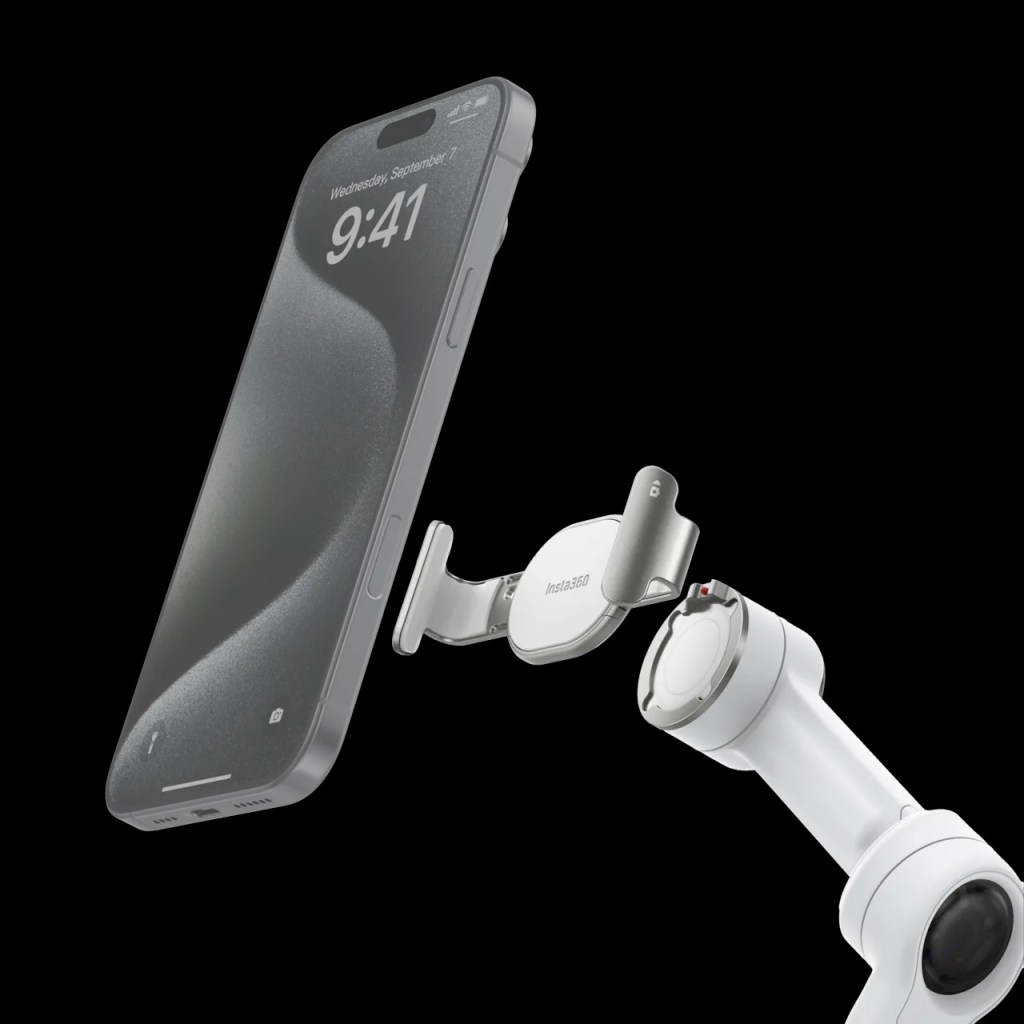
- Apple DockKit Integration: Allows seamless native subject tracking with the iPhone’s built-in Camera app and over 200+ third-party iOS apps.
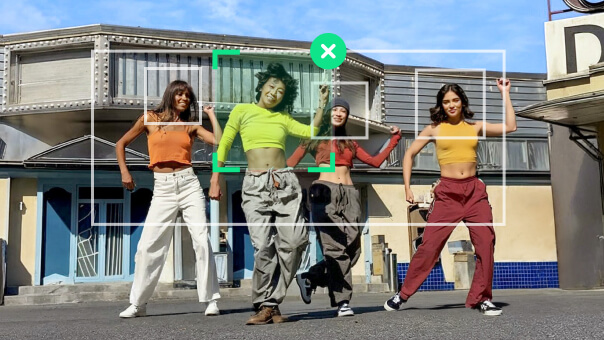
- Deep Track 4.0: Advanced AI tracking technology that keeps your subject in focus, even at long distances.
- Active Zoom Tracking: Zooms in up to 15x while tracking a moving subject.
- Multi-Person Tracking: Perfect for group events, ensuring everyone stays in frame.
- Foldable & Portable: Easily fits into your pocket for on-the-go use.
How do I set up the Insta360 Flow 2 Pro?
Setting up the Insta360 Flow 2 Pro is simple:
- Attach your phone: Use the Magnetic Phone Clamp or Mount to secure your phone to the gimbal.
- Unfold the gimbal: Once your phone is attached, unfold the gimbal to start using it.
- Update firmware: Ensure your gimbal and phone have the latest firmware updates for optimal performance.
Can I use the Insta360 Flow 2 Pro with Android phones?
Yes, the Insta360 Flow 2 Pro is compatible with Android phones, but some features, like native camera tracking, are optimized for iPhones.
What are some tips for getting the best shots with the Insta360 Flow 2 Pro?
Here are some quick tips:
- Shoot in 4K30fps for the best quality videos.
- Use the ninja walk (bending your knees and walking at a slow pace) for smoother footage.
- Use the Spotlight for low-light shots, as it restores 95% of natural daylight.
- Experiment with different camera modes and effects to enhance your videos.
Can I use the Insta360 Flow 2 Pro for video calls and live streaming?
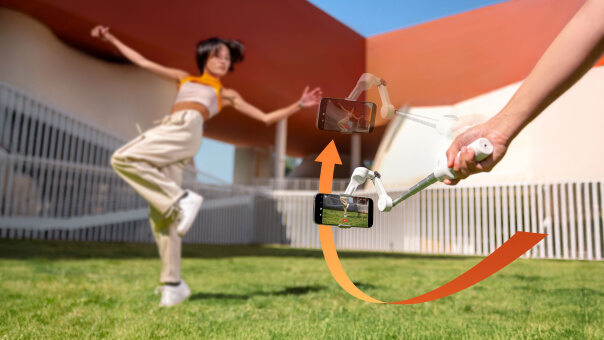
Absolutely! The Insta360 Flow 2 Pro is perfect for video calls, live streaming, and online meetings. It keeps you centered in the frame, allowing you to move freely while staying in focus.

Where can I find more information or support?
For more information, visit the Insta360 website. You can also find tutorials and tips on the Insta360 blog and support forums.
I hope this helps! Is there anything else you’d like to know about the Insta360 Flow 2 Pro?

 A.V. with Rodney
Leave a comment