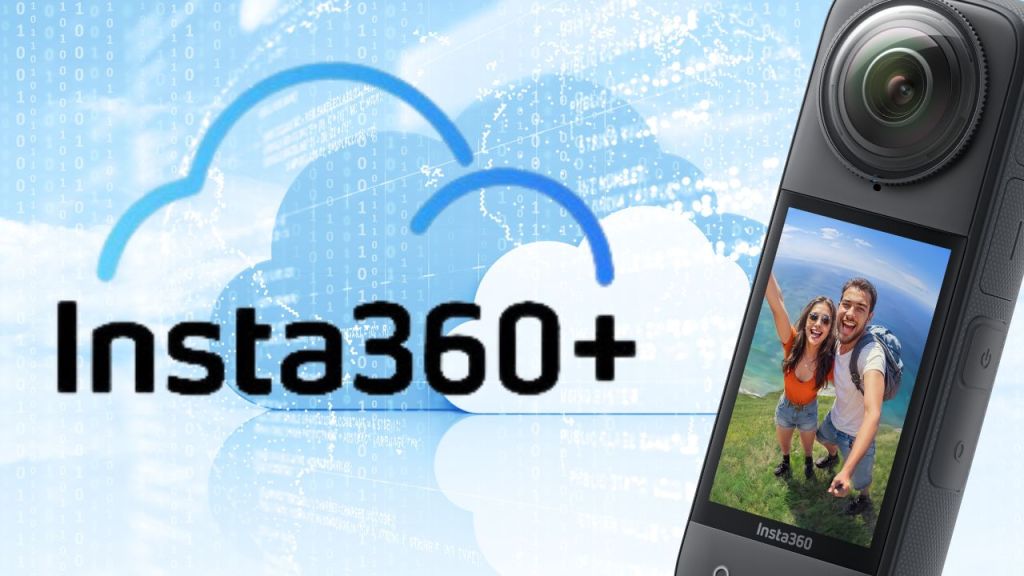
Managing video files can be a real challenge, especially when you have a lot of 360-degree footage. Thankfully, Insta360 has introduced a game-changing subscription service called Insta360+. This service not only simplifies the storage of your videos but also enhances your editing and sharing experience. Let’s dive into how Insta360+ can streamline your workflow and help you focus on capturing incredible moments!
🚀 What is Insta360+?
Insta360+ is a subscription service designed specifically for users of Insta360 cameras. It offers cloud storage, automatic backups, cloud editing, and easy sharing options for your 360-degree video footage. With various plans available, it caters to different storage needs and workflows. This service is a lifesaver for content creators who want to ensure their footage is safe and accessible without hassle.

💾 Storage Options That Fit Your Needs
One of the standout features of Insta360+ is its flexible storage options. Users can choose from three different plans:
- Basic Plan: 200GB of cloud storage
- Pro Plan: 1TB of cloud storage
- Premium Plan: 2TB of cloud storage
These options are crucial since 8K 360-degree files can be quite large. For instance, a short trip’s worth of footage can quickly fill up a micro SD card. With Insta360+, you can avoid those frustrating moments of running out of storage while you’re out capturing memories.
🔄 Automatic Backups Made Easy
Have you ever experienced the anxiety of potentially losing footage? I know I have! The automatic backup feature in Insta360+ is a life saver. When you connect your camera to Wi-Fi and plug it in to charge, it will automatically sync your files to the cloud. This means you can focus on your adventures without worrying about manually transferring files every time you return to your room.
Setting up the automatic sync is straightforward. Just swipe down on your camera to access the control menu, navigate to the Insta360+ service, and enable the sync settings. You can adjust when the camera should start syncing based on battery levels and more. You even have the option to auto-delete files from the micro SD card after they’ve been backed up, freeing up space for more footage. Just remember, I prefer to keep two copies of my files before deleting anything!

✂️ Cloud Editing: Flexibility at Your Fingertips
Once your footage is backed up, you can edit it directly from the cloud using the Insta360 app on your phone or the Insta360 Studio on your computer. No need to have files stored on your local devices. Everything is processed in the cloud, which saves your computer’s resources for other tasks.
The editing features are robust, allowing you to adjust the aspect ratio depending on your needs—whether it’s for social media or personal sharing. You can also utilize the cloud files feature to easily access your footage and start editing right away. This is perfect for those who want to share their experiences quickly.
🌐 Effortless Sharing Across Platforms
Sharing your videos has never been easier with Insta360+. You can generate custom links to share your 360-degree clips without requiring recipients to download any apps. This feature ensures that your friends, family, and followers can view your adventures in full 360° glory, making it incredibly convenient for everyone involved.
Whether you want to share a clip for a day or a week, you have options. You can even set a password for extra security. Once your video is ready, simply copy the link and share it across your preferred platforms.
🔒 Security and Privacy
With all the conveniences of cloud storage, security is always a concern. Insta360+ is powered by AWS, which meets the highest data security compliance standards. Your files are protected with advanced encryption technology, ensuring your precious memories remain safe and private.
💡 Exclusive Benefits of Insta360+ Subscription
Aside from the core features, Insta360+ offers some exclusive benefits to subscribers:
- Replacement Camera: Subscribers can access a replacement camera service, providing peace of mind in case of accidental damage.
- Extended Warranty: Get an extra year of warranty coverage for additional security.
- Priority Shipping: Subscribers benefit from priority shipping on all orders from the Insta360 Official Store.

❓ Frequently Asked Questions
What happens if my SD card gets damaged or lost?
If you have your footage backed up in the cloud through Insta360+, you won’t lose those precious memories. The automatic backup feature ensures your files are safe and secure.
Can I edit my videos without downloading them?
Absolutely! Insta360+ allows you to edit your videos directly in the cloud, freeing up your device’s storage space.
Is the Insta360+ subscription worth it?
If you’re serious about capturing 360-degree footage, the benefits of cloud storage, automatic backups, and easy sharing make Insta360+ a worthwhile investment.
How do I set up automatic syncing?
To set up automatic syncing, go to the control menu on your camera, enable sync settings, and adjust them according to your preferences. It’s that simple!
What if I need more storage later on?
You can always upgrade your storage plan if you find that you need more space as you capture more footage.
🌟 Final Thoughts
Insta360+ is a revolutionary tool for anyone using Insta360 cameras. Its combination of cloud storage, automatic backups, and editing features helps streamline the entire workflow for creators. Whether you’re a professional or just starting, this service is designed to make your life easier and your footage more secure. Embrace the future of video storage and management with Insta360+!
For more information about Insta360 cameras and accessories, check out the Insta360 Store and explore the latest products.
 A.V. with Rodney
Leave a comment