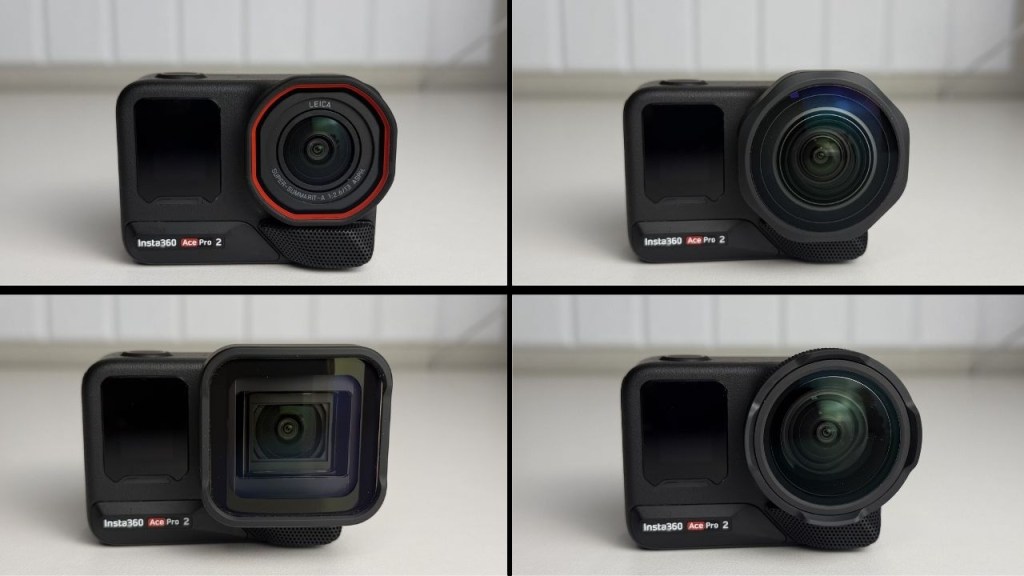
If you own an Insta360 Ace Pro 2, adding Leica lenses can dramatically expand what that camera can do. I tested four options—Close-Up Lens, Ultra Wide Lens, Cinematic Lens, and a Lens Guard—to see which ones are worth your money and which situations each excels at.
Close-up Lens: Tiny details, big impact
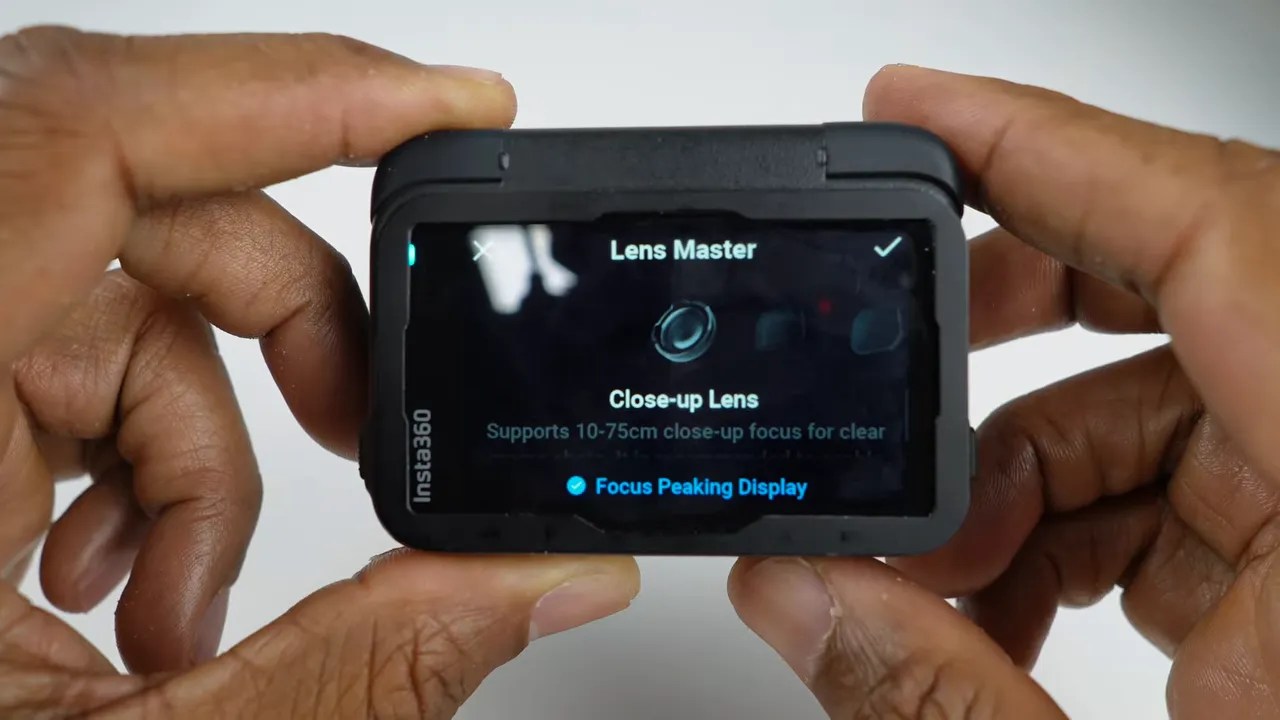
The close-up lens drops the minimum focus distance from about 1.2 feet down to roughly 10 cm (4 inches), and it is adjustable between 10 cm and 75 cm. A simple quarter-turn mounts it, and the lens has a focus ring for dialing between extreme close-ups and slightly farther subjects. In practical terms this turns the insta360 ace pro 2 lens into a capable macro tool for stamps, coins, flowers, and insects.
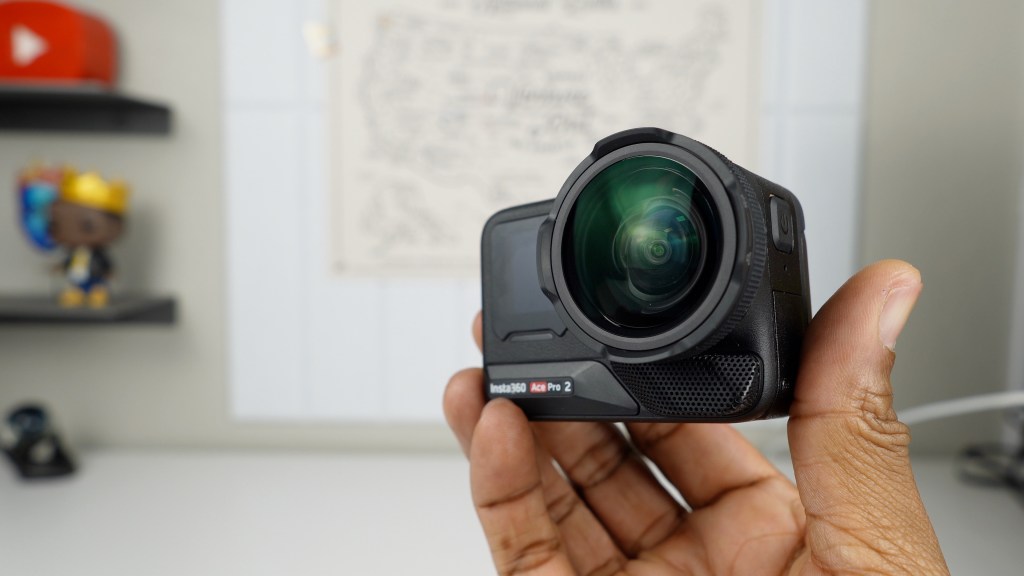
Use focus peaking to nail focus quickly—sharp areas are highlighted in real time which makes manual focusing straightforward even on tiny subjects.
Clarity Zoom works well with this lens: a 2x zoom still preserves image quality and reveals extra texture without obvious softness.

All three lens come with a wrench, brush, cleaning cloth, and a silicone cap that doubles as a protective cover while attached.
Ultra Wide Lens: Make scenes feel larger-than-life
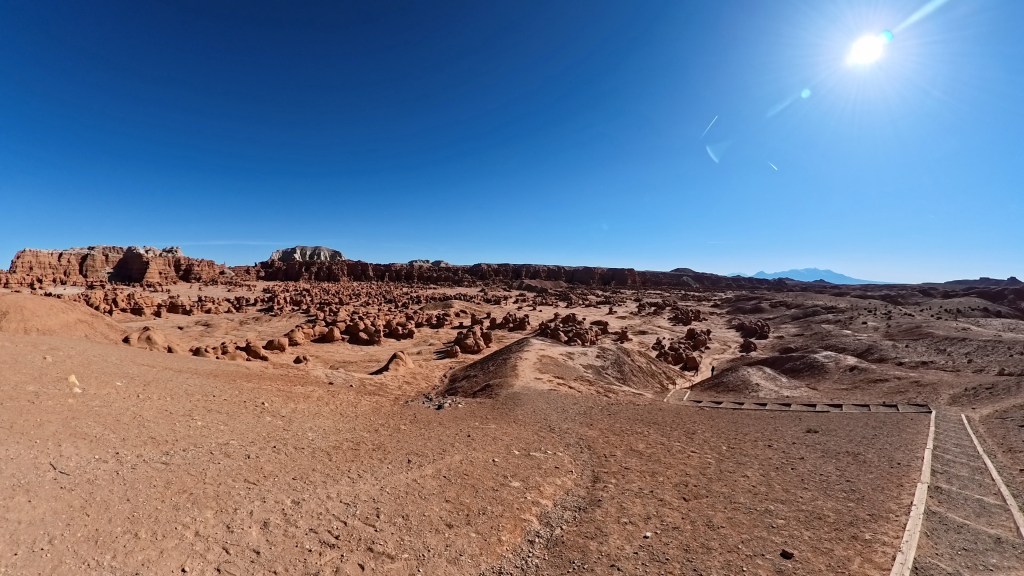
The native field of view is already wide, but the ultra wide lens increases it from 157° to about 189°. That makes it ideal for action POV and immersive landscape shots where you want foreground and horizon included in a single frame.
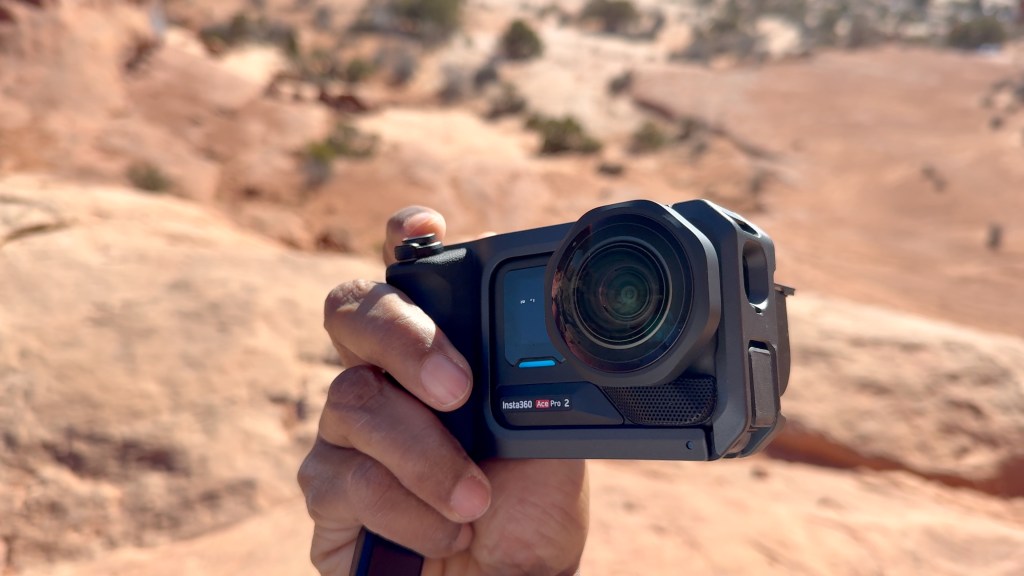
For best results set the camera to 4K 60, aspect ratio 16:9, standard stabilization, and the action field of view. Expect about a 36% taller and 32% wider capture compared with the stock lens.
Cinematic Lens: Widescreen composition without the crop
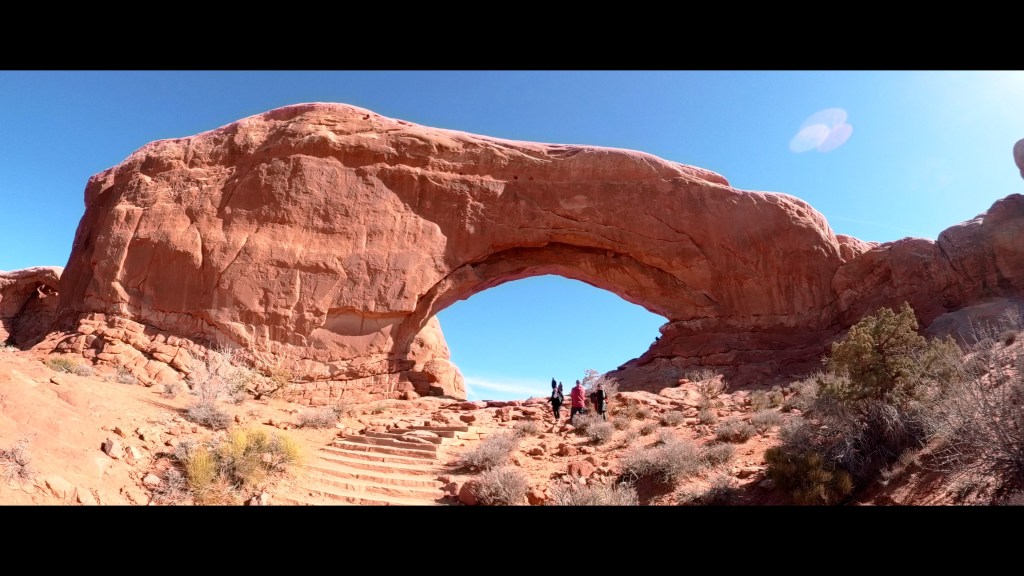
The cinematic lens provides a 2.35:1 aspect ratio for that big-screen feel. It pairs beautifully with color profiles and is the most inspiring option for deliberate landscape storytelling.
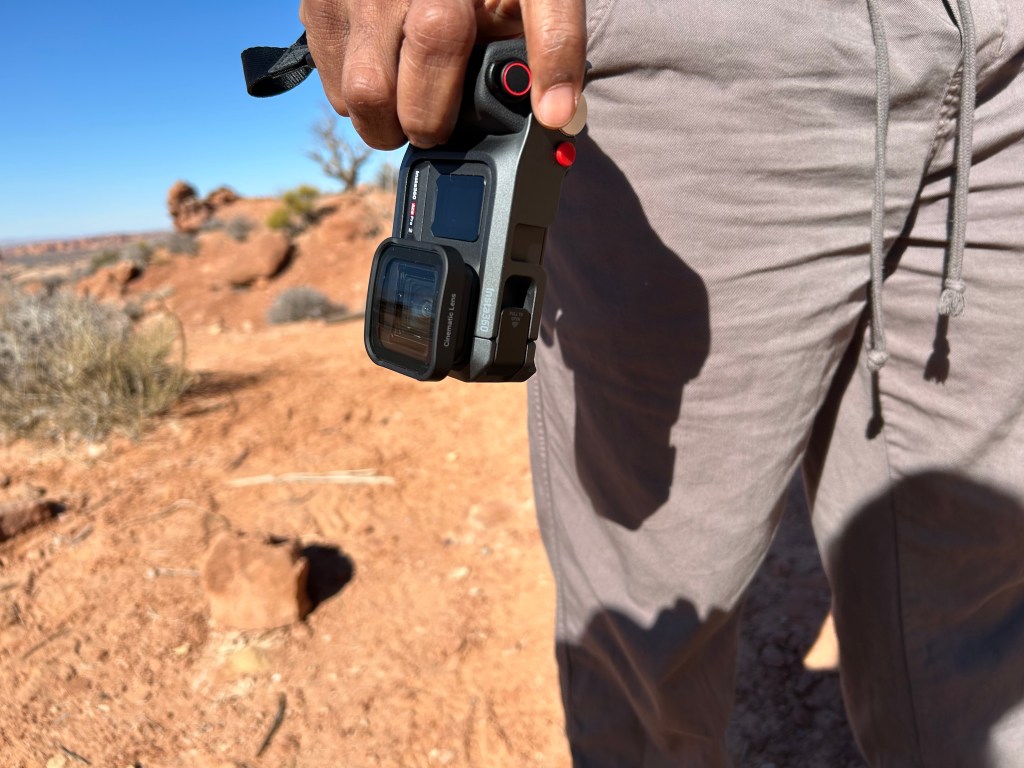
You can frame horizontally and still preserve important vertical information in dramatic places like Arches National Park.
Lens Guard: Protection that actually helps
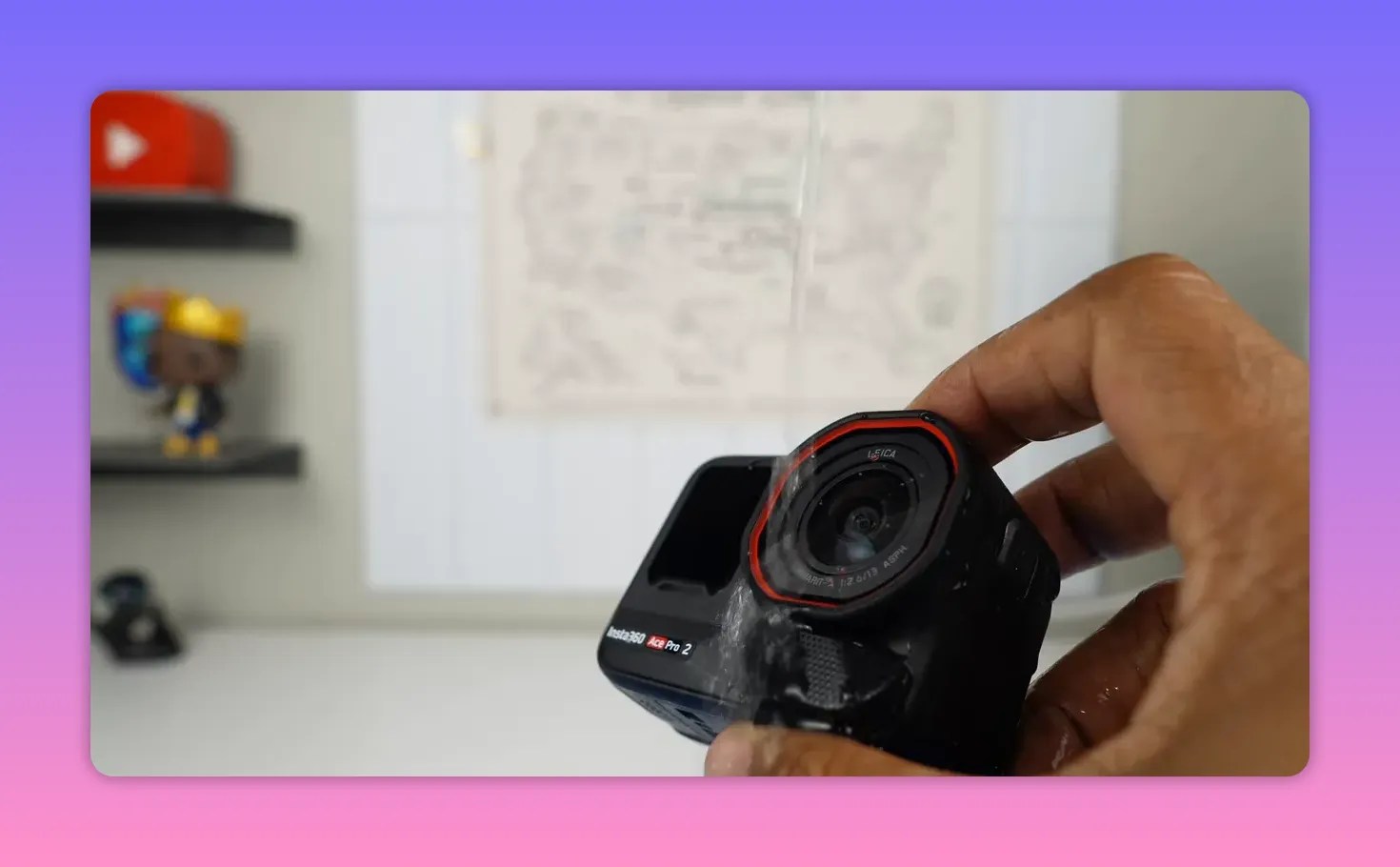
If you shoot outdoors or put the camera through rough handling, the upgraded lens guard is essential. It is larger than the standard guard, has a rubber border, tempered glass with anti-smudge and hydrophobic coatings, and resists scratches.
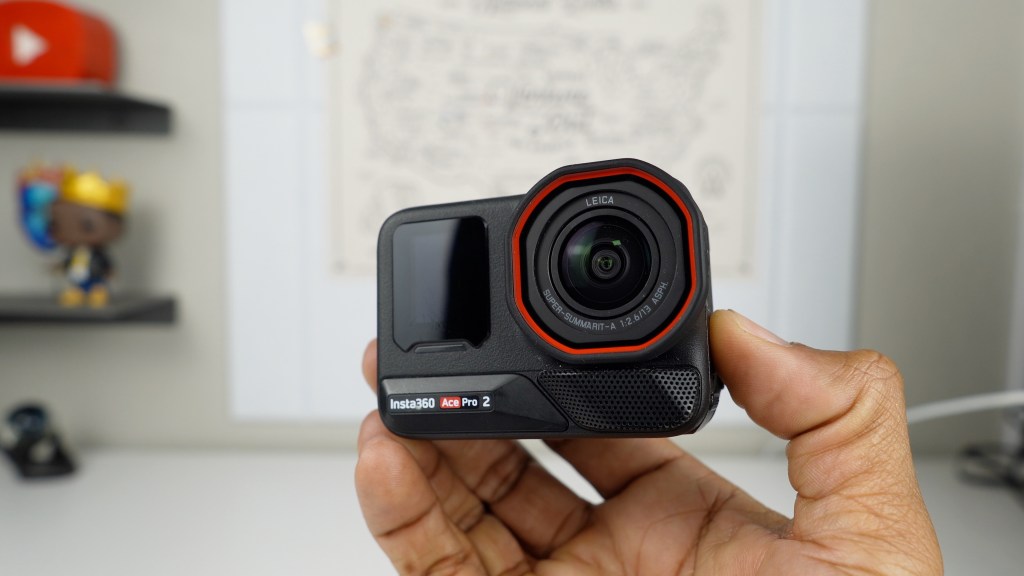
The hydrophobic coating helps repel water droplets that otherwise ruin footage during water sports.
Which insta360 ace pro 2 lens should you buy?
- Close-up — Best for macro nature shots and detailed product work.
- Ultra wide — Best for POV action and immersive outdoor scenes.
- Cinematic — Best for landscape storytelling and dramatic widescreen shots.
- Lens guard — Essential if the camera sees dirt, rocks, or water.
FAQ
How do I mount and select a Leica lens on the camera?
Mounting is a quarter-turn to the right. After attaching, go into settings > accessories and choose the correct lens profile (close-up, ultra wide, or cinematic) so the camera applies the right optical corrections.
Can I use these lenses in the water?
The lens guard repels water, but the lenses themselves will distort underwater footage. Avoid submerging Leica add-ons to prevent image distortion.
Will using the close-up lens reduce image quality at normal distances?
The close-up lens is adjustable and can be set for farther subjects, but for strict wide-angle needs you should switch back to the standard or ultra wide lens for optimal performance.
Which settings give the best ultra wide results?
Use 4K 60, 16:9 aspect ratio, standard stabilization, and action field of view for the maximum field of view and best image quality.

 A.V. with Rodney
Leave a comment